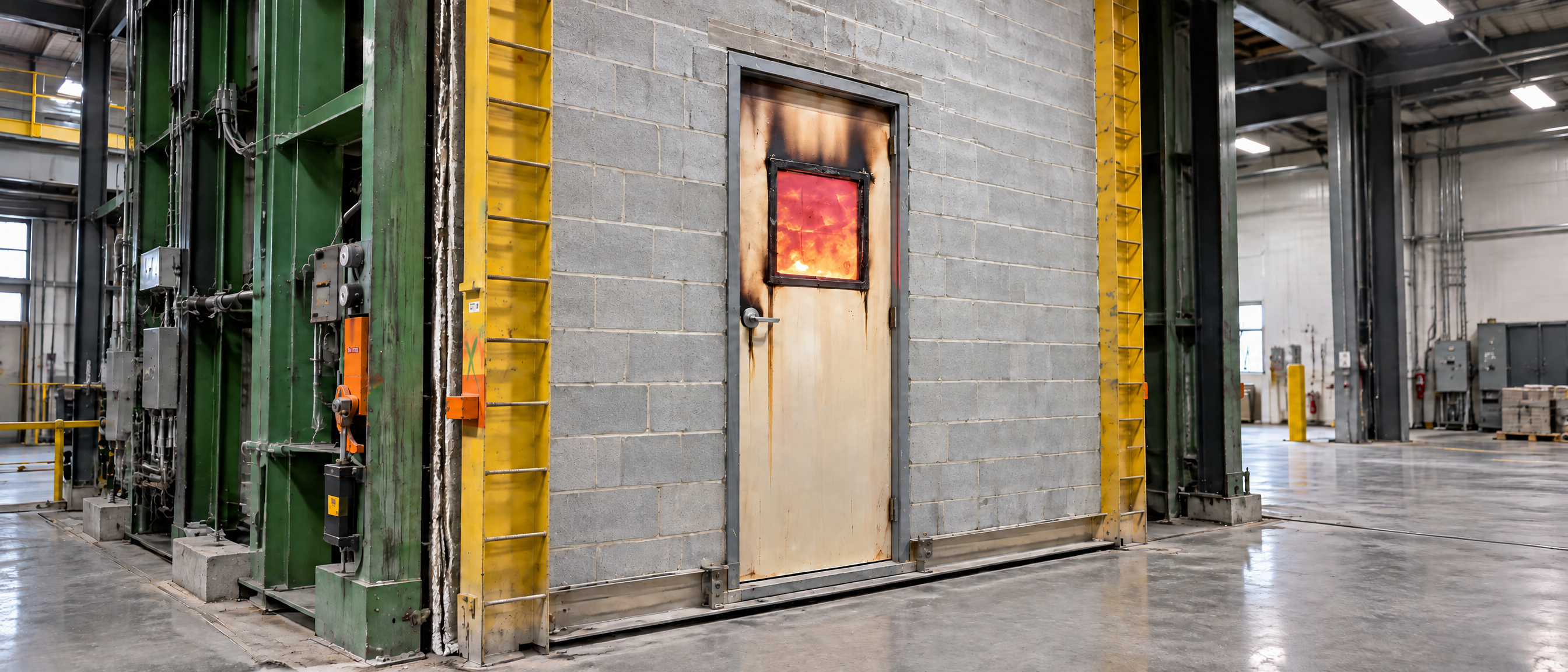
Fire-Rated Door Hardware: Verification and Template Accuracy
As project hardware becomes more specialized, accurate verification is increasingly important—especially for fire-rated openings. Forte is committed to helping distributors avoid delays, incorrect door prep, and potential compliance issues by confirming that the selected hardware and machining requirements are properly documented before production begins.
Fire-Rated Hardware Must Be Verifiably Listed
When hardware will be installed on a fire-rated door assembly, the complete assembly must be properly certified and listed, such as through UL and/or Intertek (ITS).
Catalog pages, brochures, and verbal assurances are not sufficient to verify a fire listing. The exact hardware being specified must be supported by applicable UL or Intertek documentation.
This is particularly important when hardware is sourced internationally, sold under a private label, or assigned a distributor-specific part number. Even when a product is represented as being “the same” as a listed product, documentation is required to confirm that the specific item is covered by the applicable fire listing.
To approve hardware for a fire-rated door assembly, proper documentation is required. Acceptable documents can include one of the following:
The exact device or model number shown in the applicable UL or Intertek listing.
A UL or Intertek file identifying the distributor or private-label company as an authorized source under the original manufacturer’s listing.
Written confirmation from UL or Intertek that an alternate part number, brand name, or distributor is covered by the relevant listing.
Without this verification, Forte cannot approve the hardware for use on a fire-rated assembly.
Confirm Hardware Requirements Before Selecting Door Prep
Door prep must match the intended hardware exactly. To ensure accuracy, hardware selections should be based on the project’s approved documentation—not solely on available options in Forte’s DOORBUILDER® configurator.
Hardware manufacturers regularly update product offerings, templates, and machining requirements. Changes can result from new products, acquisitions, revised templates, or project-specific requirements. In some cases, the latest template information may only be available directly from the manufacturer.
Before submitting an order, it is recommended to compare the selected hardware and door prep with the approved documents including:
Current manufacturer templates
Template number and revision or publication date
Hardware schedule
Machining sheet
Project-specific instructions or details
Confirming the template number and date is especially important. A hardware model may appear familiar, but a revised template can require different machining.
Watch for Modified Hardware
Some hardware is identified as “modified” because it varies from a manufacturer’s standard offering. While the product may resemble a standard lock, exit device, or other item, even a small modification can change the required door preparation.
If a hardware description includes the word “modified,” it is important to make sure the project documentation clearly identifies the required prep. Modified hardware should not be treated as a standard selection when the change affects machining.
Using DOORBUILDER® Effectively
DOORBUILDER® includes features designed to help users identify and select appropriate hardware, including:
Hardware search tools within hardware categories and at the order-header level
Available template dates, with the most current known template displayed first
Holder options filtered by the selected hinge or pivot type
Alerts for modified or non-standard hardware selections
These tools can support the selection process, but they do not replace review of the customer’s approved hardware documents.
The Bottom Line
Accurate hardware selection begins with complete, current project information. Providing the correct hardware schedule, template number and date, machining details, and—when applicable—fire-listing documentation helps Forte produce doors with the correct prep and supports a smoother project process for everyone involved.
About the Author

John Hanmann
Digital Configurator Support Supervisor
John Hanmann is the Digital Configurator Support Supervisor at Forte Opening Solutions (formerly Masonite Architectural), where he has worked since April 2016, focusing on hardware, warranty and fire listing applications. Prior to joining Forte, John spent over 24 years with Algoma Hardwoods, Inc., serving as Order Processing Manager from 1992 to 2016. With more than three decades of experience in the door and hardware industry, John brings deep, hands-on knowledge to Forte's hardware and fire-rated assembly programs.
Need help selecting the right product?
MoreBlogs